VizMaker for 3ds Max: AI Rendering, Batch Views and Animation
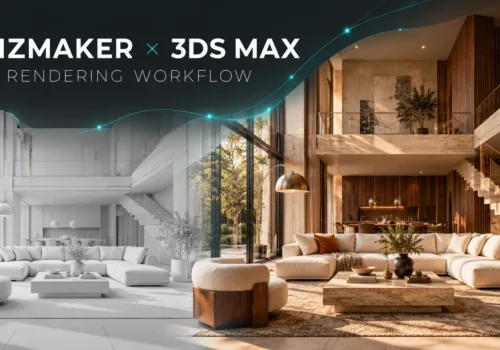
Explore VizMaker for 3ds Max: send viewports, batch-render camera views, edit interiors, upscale images, create AI animation and generate furniture models.
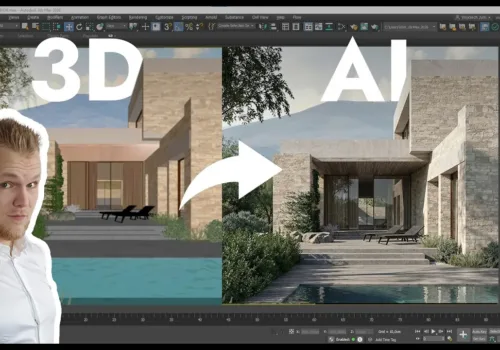
See how VizMaker supports architectural visualisation with design variants, connected AI tools, reusable prompts, visual branches and free tutorials.
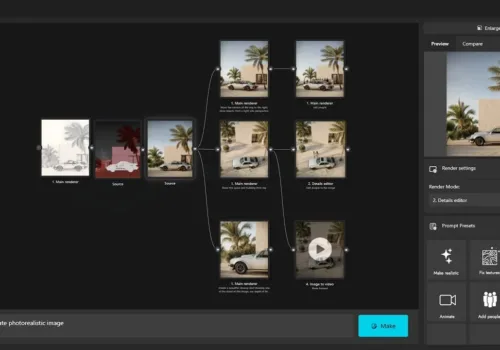
Build an AI ArchViz presentation in VizMaker: render viewport views, enhance details, edit furniture, match a reference mood and create animated shots.
Install the VizMaker Archicad plugin and develop model views into exterior renders, interior concepts, AI animations, upscaled images and 3D asset ideas.
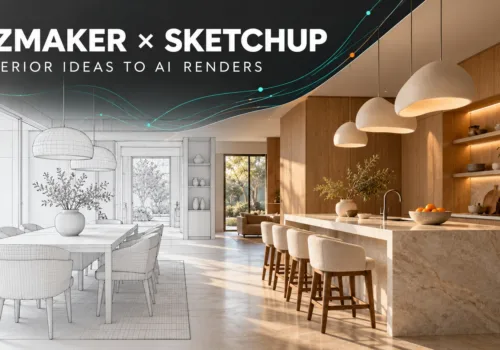
Use VizMaker with SketchUp to explore interior materials, create AI renders and animations, upscale selected images and generate furniture from references.
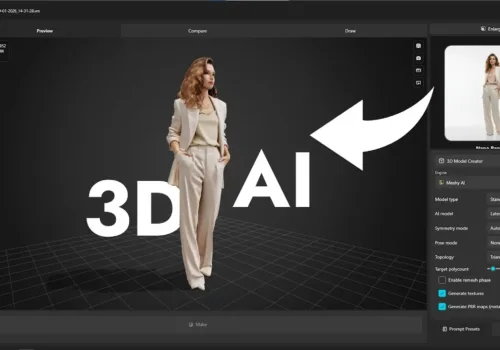
Generate 3D models from photos and sketches in VizMaker. Explore Meshy AI and Tripo 3D, export scene assets and refine furniture for architectural visuals.
Turn sketches and 3D views into architectural visualisations, guide edits with annotations, upscale details and create animations. Explore VizMaker through Wojciech Jurkowski's practical video demonstration.
Below you will find a new way to skyrocket your rendering time with our partner RebusFarm
Top 3D tips and tricks to use in setting up specific features in the rendering process Below you will find our 3D tips and tricks to use when creating specific features in the interior, exterior, or Archviz rendering.