A consistent AI avatar can become the starting point for product photography, a video advert and a set of campaign posters. In this VizMaker tutorial, Anna Jurkowska develops a character, establishes visual references and carries that identity through several types of promotional content.
The examples focus on lipstick and sportswear campaigns. For product designers and visual creators, the transferable skill is art direction: defining the character, product, setting and visual language before generating individual shots.
Create the character and compare image engines
The tutorial begins in Image Creator and uses the character builder to prepare an avatar prompt. Features can be selected through the builder, then refined in text—for example, by specifying clothing.
Anna compares Seedream v5.0 Pro, Nano Banana 2.1 and GPT Image 2.5 with the same prompt and settings. She describes different visual tendencies in the resulting images rather than declaring one engine the best for every campaign.
For an AI avatar creator workflow, choose the result that fits the brief. An editorial fashion direction and a natural-looking product demonstration may need different treatment.
Build references that preserve the character’s identity
One portrait is not enough to define every future view. The tutorial creates a character mood board with detailed facial information, then a separate full-body reference without a small, competing face.
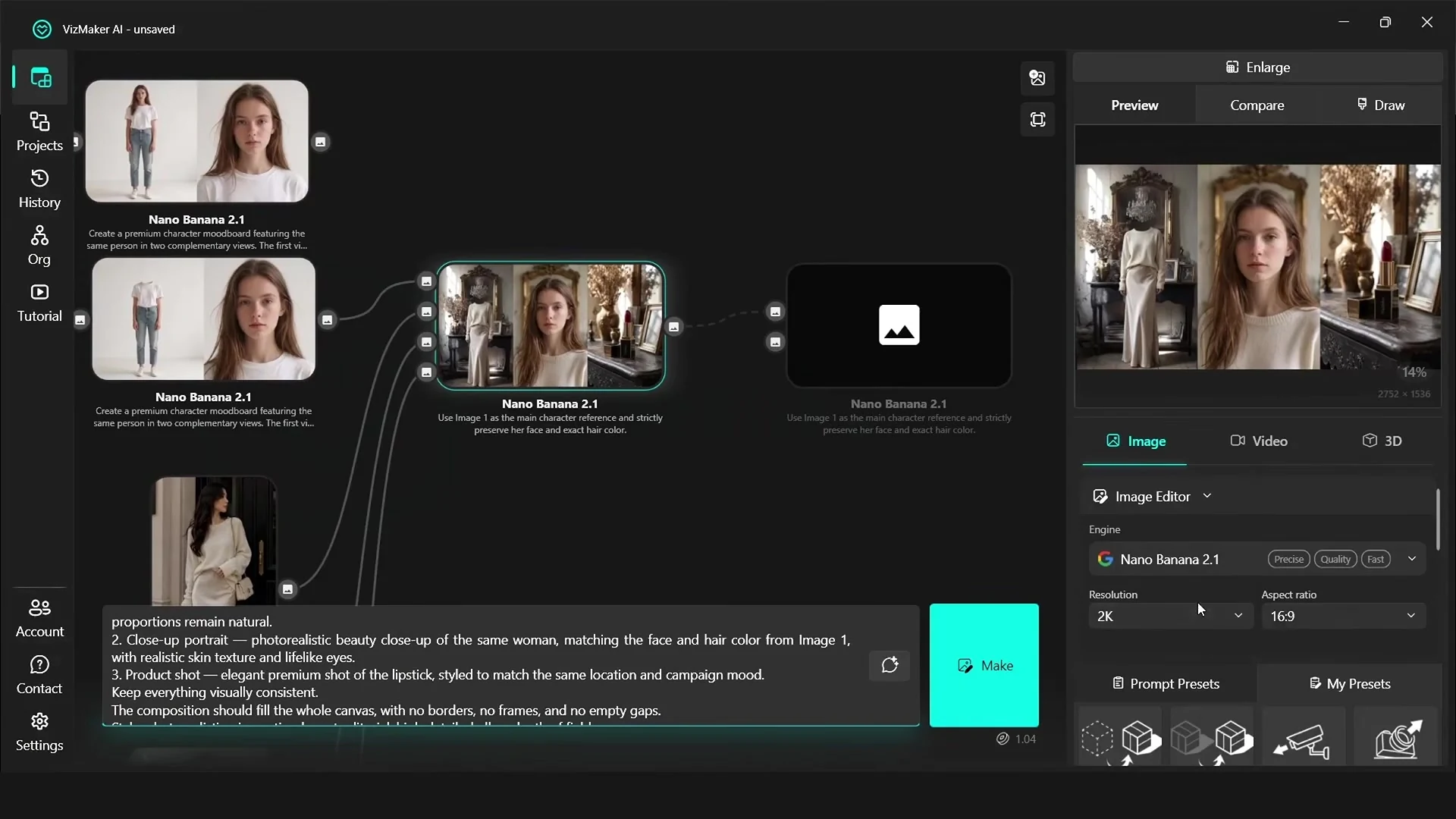
The reason is practical: the face reference should supply clear facial detail, while the body reference communicates proportions, clothing and silhouette. This gives subsequent generations a more useful basis for maintaining a consistent AI character.
The project also saves successful prompts as presets, making the same setup easier to reuse for additional shots.
Combine the character, product and location into a visual brief
The lipstick example brings together the avatar, a product and location references to establish a romantic, nostalgic campaign direction. The prompt explains what each reference represents so the model has a clearer division of roles.
From that base, Anna directs a small photoshoot through framing, pose, lighting, emphasis and emotion. Several shots can be generated while the same overall campaign references remain connected.
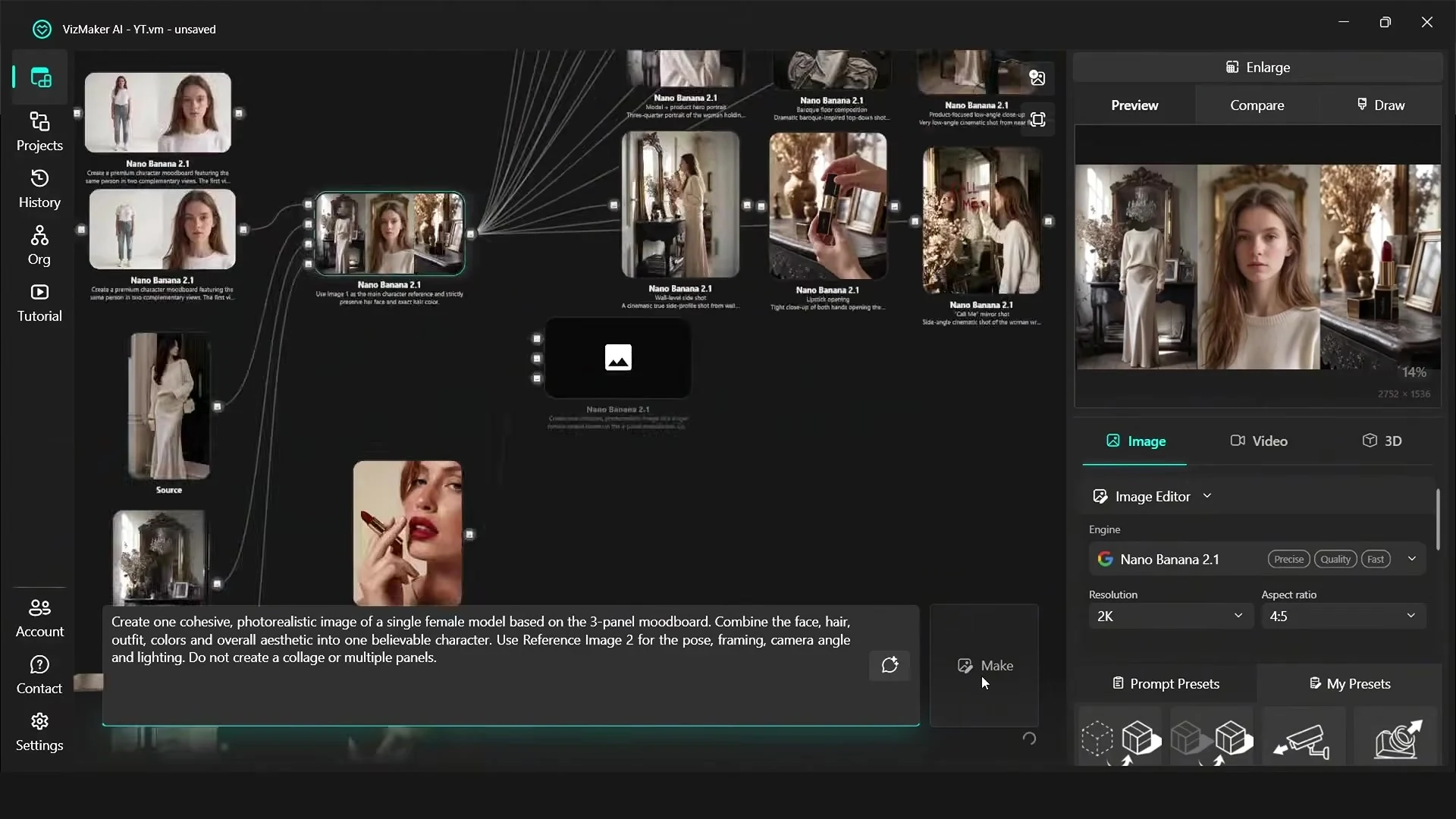
For AI product photography, check that the product remains recognisable across the series. Review its shape, packaging, colour and any text rather than judging only the atmosphere of the image.
Refine selected details without abandoning the preferred shot
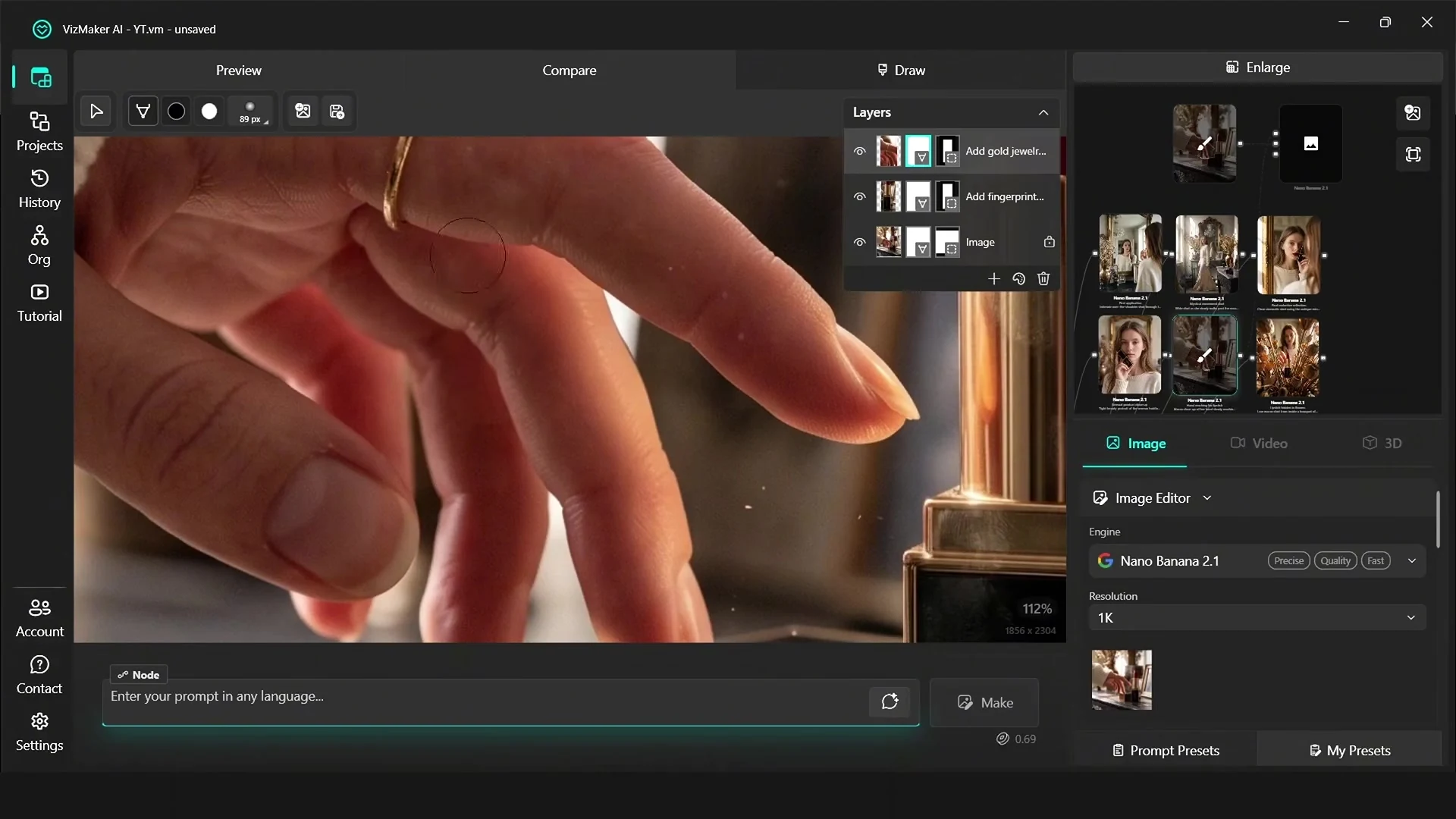
The Draw tab is used to edit particular parts of a selected image. The tutorial adds small details, adjusts jewellery and nail colour, and uses masks to remove unwanted parts of generated layers.
One demonstrated result also updates a reflection after a colour edit. That is a useful example of what the model achieved in this shot, but reflections and physical relationships still need checking in each output.
Reference images can also guide poses and composition. Keep the character reference distinct from the inspiration reference so that a new pose does not accidentally become a different person.
Develop a video advert with deliberate camera direction
The sportswear section changes the campaign mood and then moves into video creation. Before generating, the tutorial explains how camera angles, framing, emotion and sound affect the story.
The example uses Seedance 2.5 with a reference image and a detailed prompt. It generates a short sequence, then edits out an unwanted opening and adds a logo at the end inside VizMaker.
For an AI advertising campaign, describe what the audience should notice: the product detail, the character’s action or the environment. Camera movement should support that emphasis.
Finish with appropriate resolution and campaign formats
The video is upscaled to 1080p in the example. Anna also warns that aggressively enlarging low-resolution footage can create distorted faces, unnatural textures or flickering. Review the moving result, not just an isolated frame.
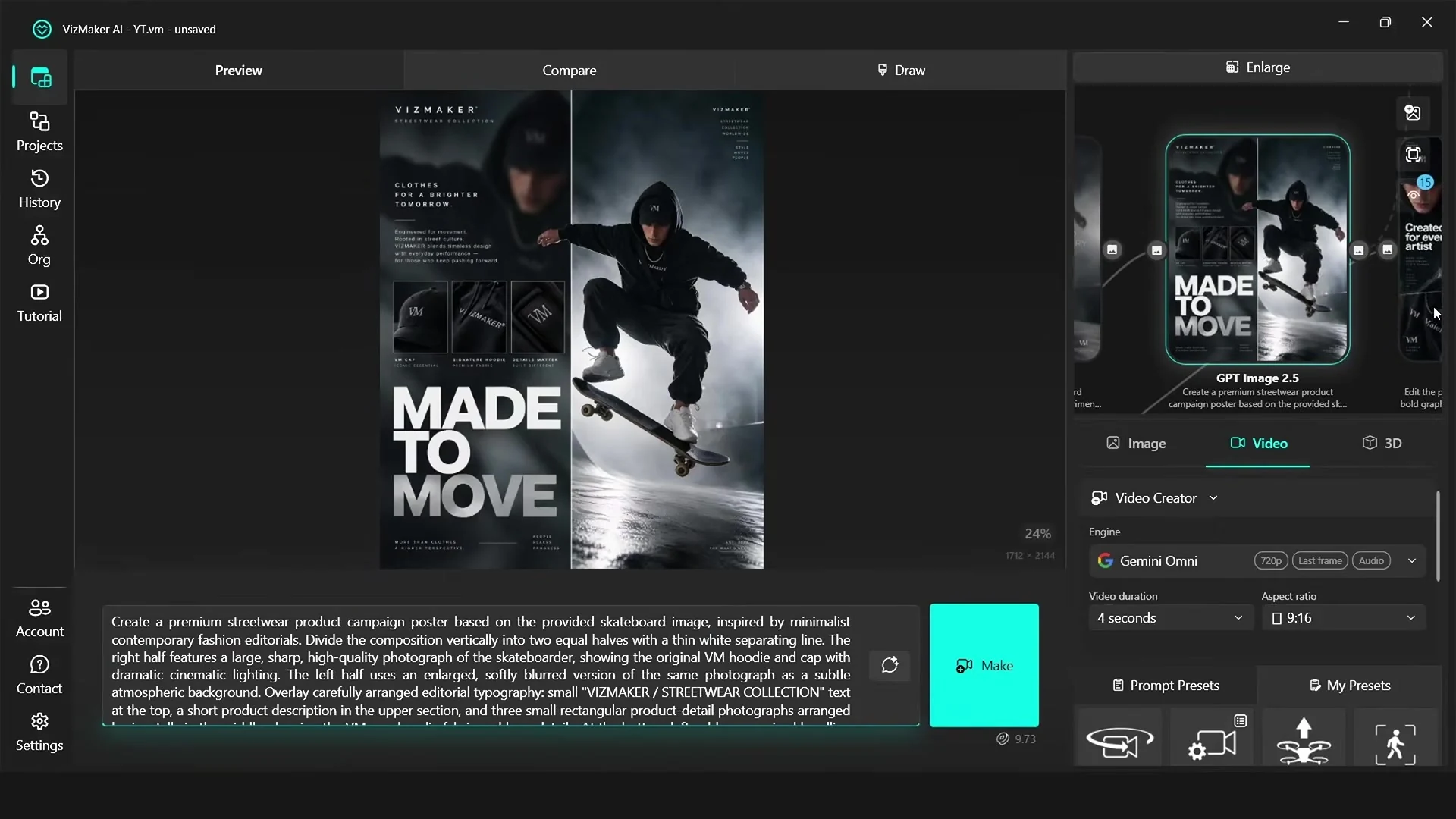
The final section develops poster layouts from a selected campaign image and explores a logo concept. This connects the character and product imagery to additional formats while retaining the same visual direction.
The source video discusses completing its example within the trial allowance available at the time. Check the current in-app trial terms, included engines and credit costs before planning a campaign budget.
Frequently asked questions
How does the tutorial keep an AI avatar consistent?
Anna Jurkowska prepares detailed facial and body references, then uses those references throughout the photoshoot and video workflow. Each output still needs review for identity consistency.
Can VizMaker create both campaign images and video?
Yes. The tutorial develops product images, edits selected details, generates a video advert and creates poster concepts within VizMaker.
Is the campaign workflow always free?
The source video describes completing its example within the trial allowance available at the time. Check current trial terms, included engines and credit costs for your own project.
Continue your VizMaker workflow
- Gemini Omni vs Seedance 2.0 in VizMaker: Choosing an AI Video Engine
- VizMaker AI Render Editing: Masks, Materials and Local Upscaling
Try this workflow in VizMaker
Start with a source image or project that you know well, follow the demonstration and compare the result against your design brief.
Download VizMakerVideo source: Create Your AI Avatar and Full Ad Campaign for FREE, published 22 October 2026. Video by Anna Jurkowska. All screenshots above were extracted from this recording. This guide describes the demonstrated workflow; available models, interface details and offers may change. Visit the official VizMaker website for current product information.
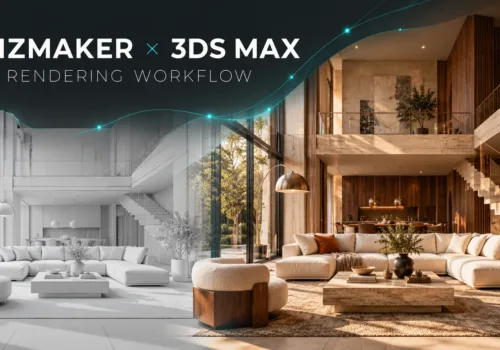
VizMaker for 3ds Max: AI Rendering, Batch Views and Animation
Explore VizMaker for 3ds Max: send viewports, batch-render camera views, edit interiors, upscale images, create AI animation and generate furniture models.
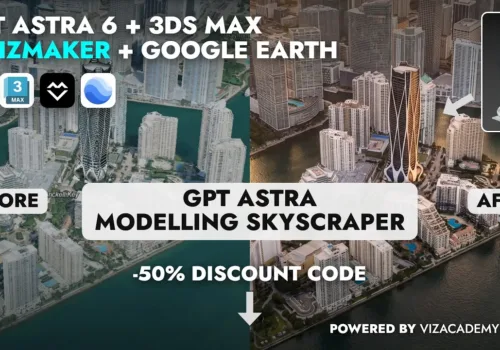
From Architectural Drawings to an AI Skyscraper Presentation
Follow an AI skyscraper case study from architectural drawings to 3ds Max, Google Earth, VizMaker renders and animation—with practical modelling lessons.
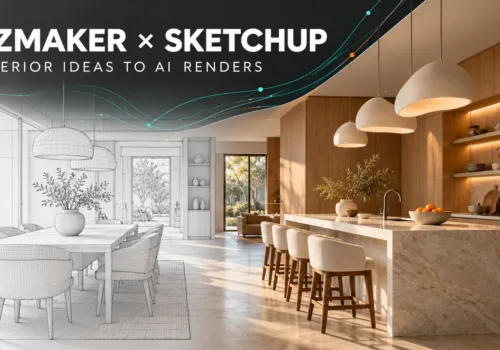
VizMaker for SketchUp: AI Interior Rendering and Design Variations
Use VizMaker with SketchUp to explore interior materials, create AI renders and animations, upscale selected images and generate furniture from references.