Choosing an AI video engine is a design decision as well as a technical one. Camera movement, people, materials and sound can all affect whether a presentation communicates the intended idea. This VizMaker comparison uses the same scenes and prompts to examine Gemini Omni and Seedance 2.0 across six different tasks.
The examples range from an interior and a restaurant to a fast-moving vehicle and a cinematic reveal of a building. The useful outcome is a method for comparing engines against a specific brief, rather than assuming that one model is best for every video.
Compare the same input and judge the whole shot
A fair practical comparison begins with a shared source and instruction. The tutorial keeps those inputs consistent and looks at the generated clips, including their motion and sound.
For AI video generation in VizMaker, decide in advance what the shot must achieve. Is the priority a controlled camera move, natural dialogue, material transformation or a convincing sense of speed? Those goals can favour different outputs.
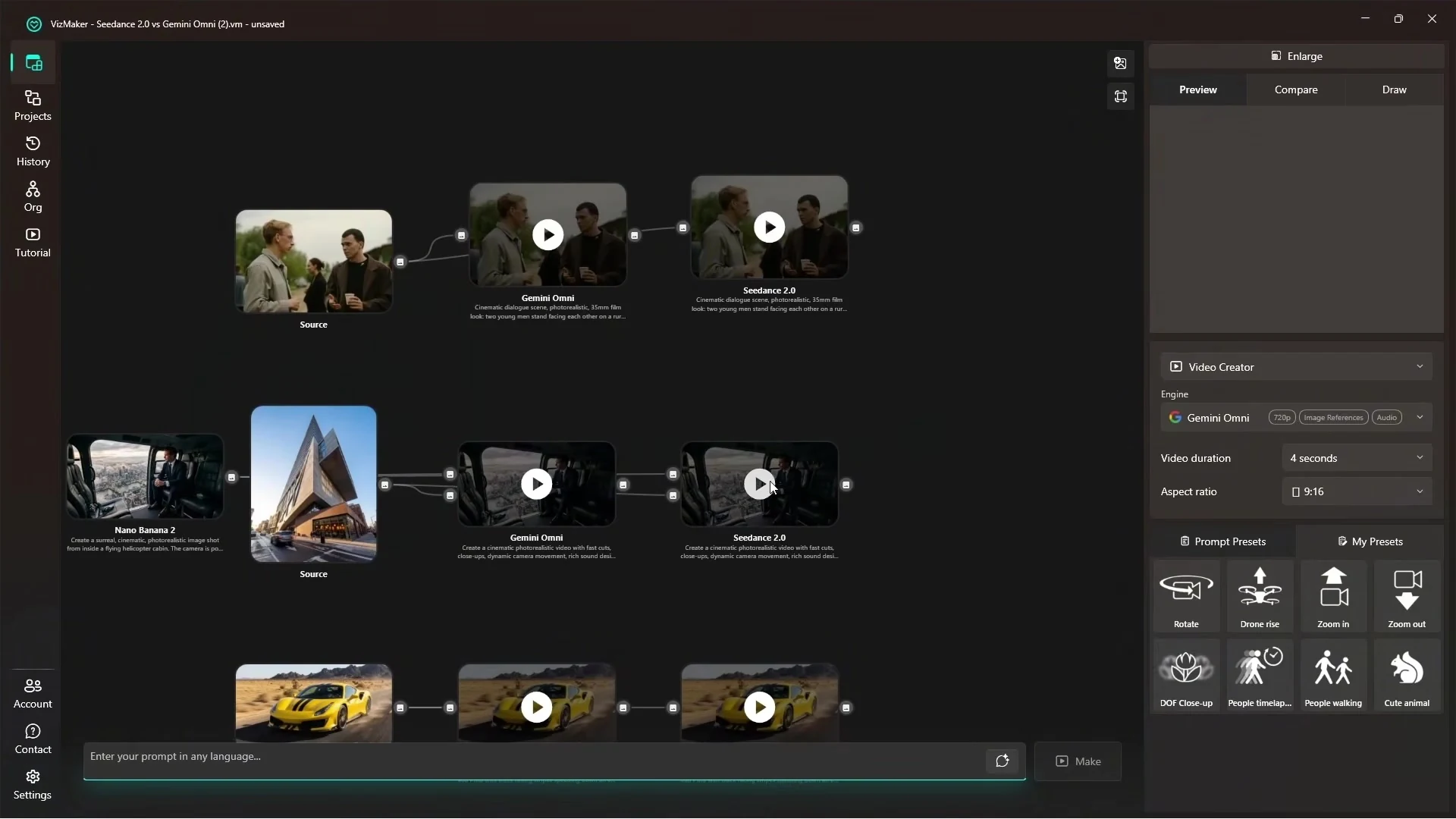
Camera movement and dynamics: evaluate more than sharpness
In the first interior comparison, the presenter favours Seedance 2.0 for the more dynamic camera and moving details. In the highway example, the same engine is preferred for conveying speed through camera changes and more responsive sound.
For an architectural presentation, the equivalent questions are whether a camera move reveals the space clearly, whether objects remain stable and whether the motion feels appropriate to the scene. A technically detailed frame is not enough if the sequence communicates the wrong energy.
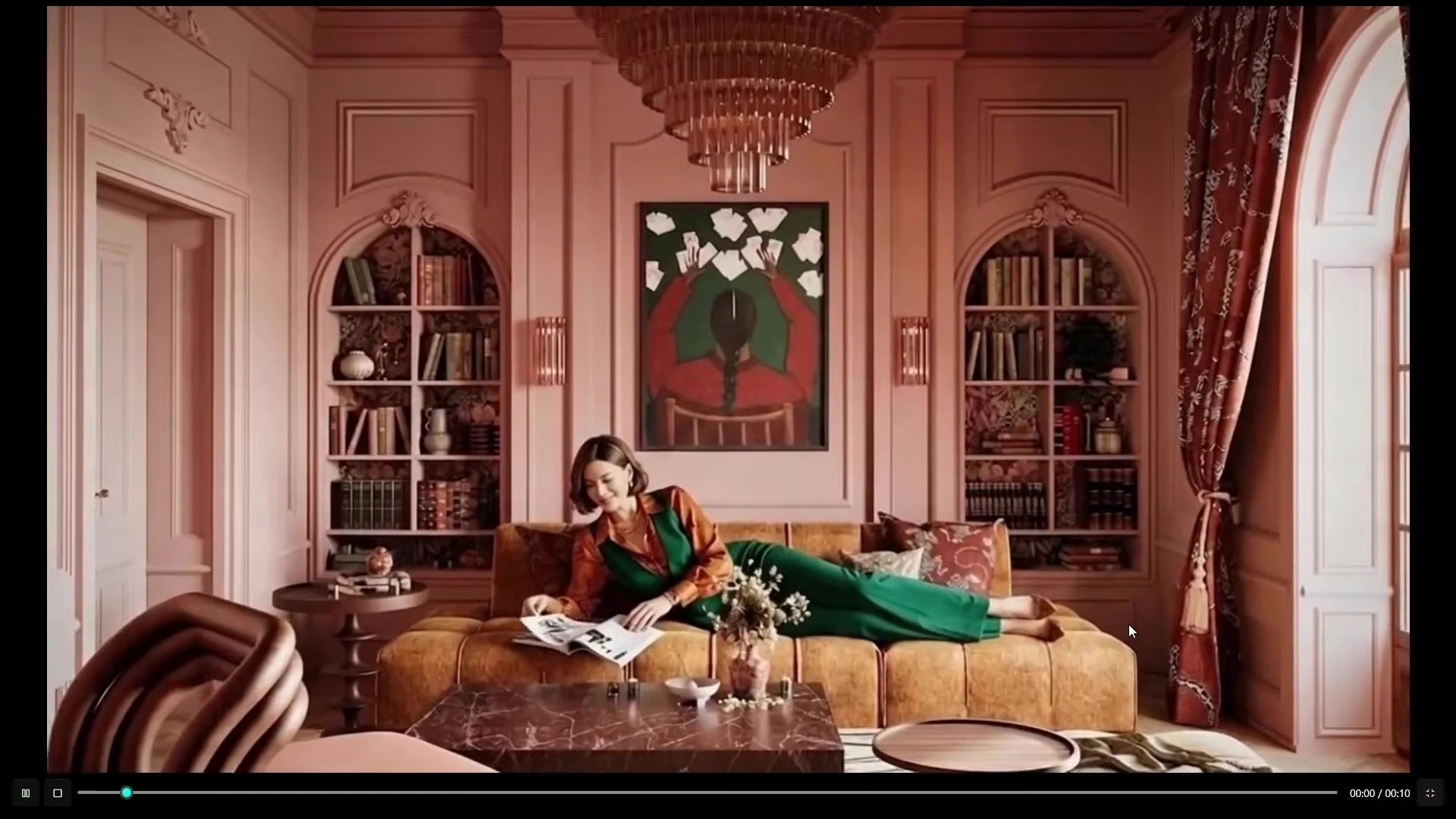
Dialogue and material transformations: different strengths emerge
The dialogue comparison is close. The presenter gives Gemini Omni the edge for the natural movement of the people, while describing both results as similar in quality. Facial expressions, voice and the timing of the interaction all contribute to that judgement.
Another prompt transforms a room into a pink-fur environment. The presenter prefers Omni’s overall interpretation and ending camera movement, although the alternative also has strengths. This is a useful example of AI material transformation as visual storytelling rather than a precise finish specification.
For design work, compare how the transformation affects the whole composition. An impressive effect may still be unsuitable if it changes an element that the client needs to recognise.
Food, liquid and a building reveal expose different problems
The restaurant sequence examines cutting food, pouring a drink and dialogue. The presenter calls the results broadly a tie, with different weaknesses in speech, camera appearance and physical interaction.
The final jungle sequence leads to a building reveal. Here, Seedance 2.0 is preferred for the stronger sense of movement and more engaging camera work. These are observations from the specific clips in the recording, not a universal benchmark.
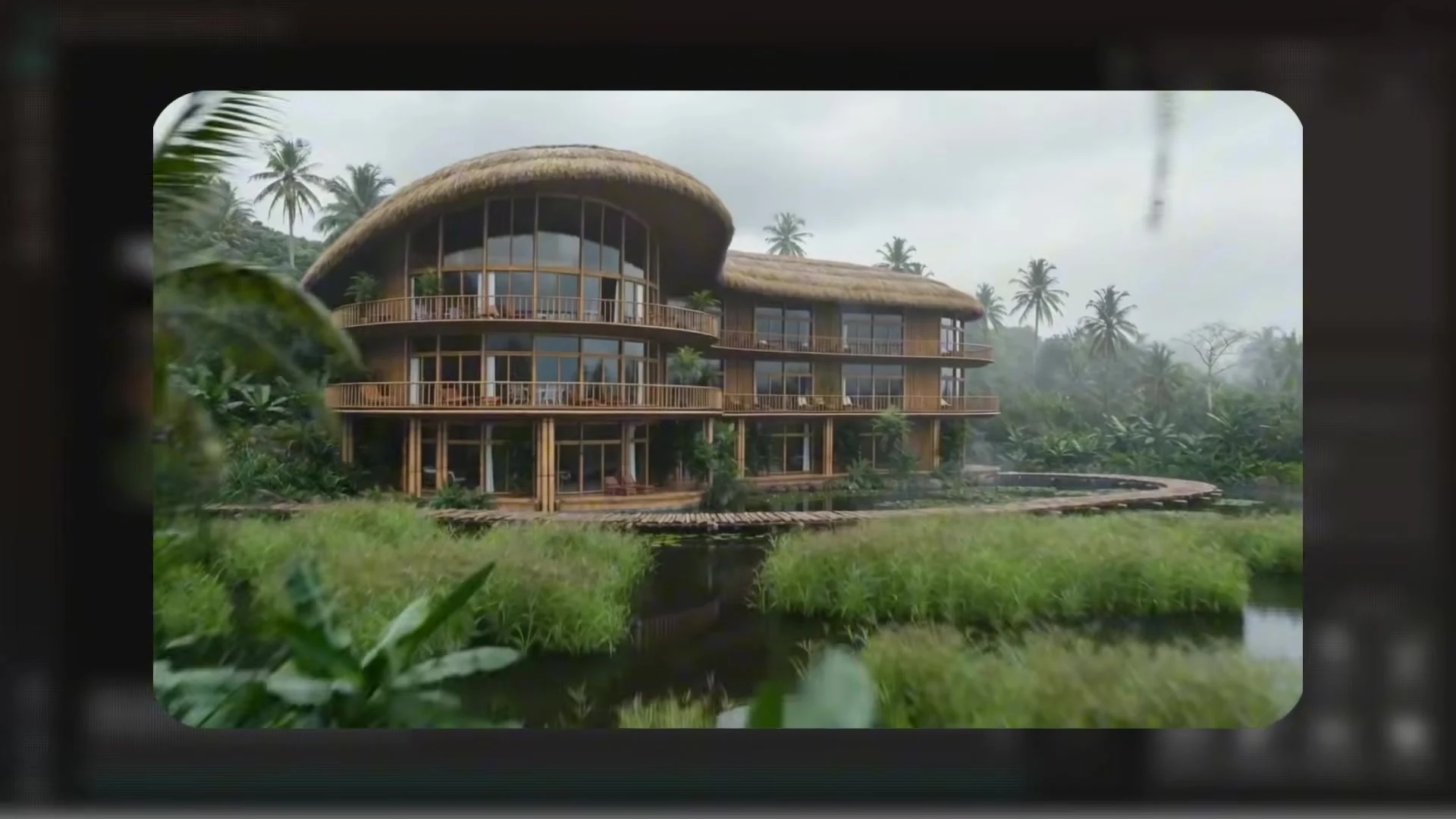
How to apply the comparison to architectural animation
When choosing an engine for AI architectural animation, use a short representative scene from the real project. A restaurant interior, a quiet residential approach and an energetic marketing reveal need different treatment.
- Camera: does the movement explain the space and follow the brief?
- Continuity: do furniture, façades and people remain stable?
- Materials: do surfaces behave consistently across frames?
- Sound: does dialogue or ambience support the scene?
- Iteration cost: how much correction is needed before the clip is usable?
The video describes Omni as faster and less expensive in the demonstrated setup, while favouring Seedance overall for several dynamic scenes. Check current in-app costs and judge the results for your own task: engine versions, settings and pricing can change.
VizMaker brings these comparisons into one workspace, making it easier to keep the source, alternatives and final selection connected.
Frequently asked questions
Which AI video engine wins the comparison?
The presenter favours Seedance 2.0 overall for several dynamic scenes, while Gemini Omni is preferred in some other examples. The findings apply to the specific clips and settings shown.
Were the inputs kept consistent?
The tutorial uses the same scenes and prompts for the paired comparisons, making differences in the generated results easier to assess.
How should an architect compare AI video outputs?
Review camera direction, continuity, materials, people, sound and the amount of correction required. Use a scene that represents the real project brief.
Continue your VizMaker workflow
- VizMaker Live Preview: Turn 3D Viewport Motion into AI Animation
- Create an AI Avatar and Product Campaign in VizMaker
Try this workflow in VizMaker
Start with a source image or project that you know well, follow the demonstration and compare the result against your design brief.
Download VizMakerVideo source: Gemini Omni vs Seedance 2.0 Battle of the AI Titans! [VizMaker], published 8 July 2026. Comparison published by VizAcademy UK. All screenshots above were extracted from this recording. This guide describes the demonstrated workflow; available models, interface details and offers may change. Visit the official VizMaker website for current product information.
VizMaker for 3ds Max: AI Rendering, Batch Views and Animation
Explore VizMaker for 3ds Max: send viewports, batch-render camera views, edit interiors, upscale images, create AI animation and generate furniture models.

Nowadays, modern technologies and innovative solutions are being used more and more willingly and boldly. A great example of this is computer graphics – special effects in movies and computer games are getting better and better every year, offering an unforgettable experience.

VizMaker for Unreal Engine: AI Visuals for Architectural Storytelling
Add VizMaker to Unreal Engine for AI architectural look development, image-based animation, upscaling and 3D asset concepts alongside your real-time scene.