VizAcademy’s seven-week ArchViz course connects 3ds Max modelling with the skills needed to present architecture: lighting, materials, image finishing, AI tools and animation. The programme follows a project through several stages, helping architects, interior designers and visualisation artists understand how individual decisions contribute to a finished image.
That connection matters when learning architectural visualisation. You can know where a modelling command is and still struggle to make a room feel convincing. You can understand a render setting while remaining unsure whether the camera explains the design. A structured course gives those separate skills a practical context.
The seven-week programme at a glance
The official VizAcademy PRO training programme sets out the following sequence. Some weeks bring several related subjects together.
| Week | Main subjects |
|---|---|
| 1 | 3D modelling, from foundational techniques to more complex forms |
| 2 | AI tools and the VizMaker workflow |
| 3 | Lighting, materials, textures and working with clients |
| 4 | Animation, video editing and interior image finishing |
| 5 | Exterior scenes, landscape elements, panoramas and virtual tours |
| 6 | Exterior lighting, materials and atmosphere |
| 7 | Marketing and presenting work online |
Start with a model that supports the image
Learning 3ds Max for architectural visualisation begins with making forms you can control. A useful scene has readable proportions, a clear relationship between objects and enough detail for the intended camera. A distant background element and a chair in the foreground do not need the same treatment.
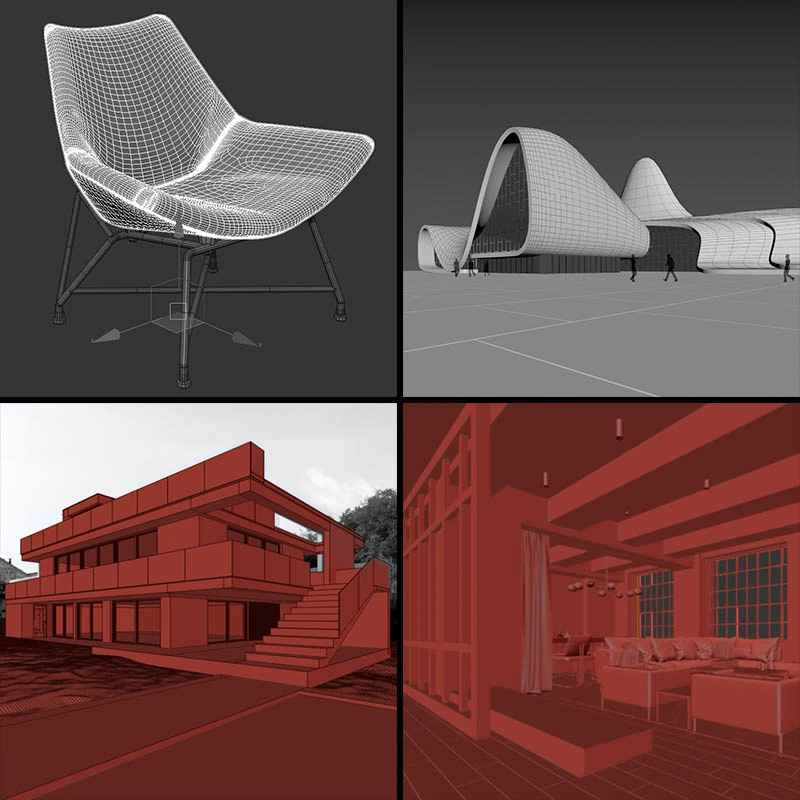
For an interior designer, this changes how a room can be developed. The question becomes which parts of the design need to be modelled carefully for the presentation to work. For an architect, the same reasoning applies to a façade, entrance or junction between building and landscape. The model becomes a tool for explaining the proposal.
Learn to judge light and materials together
A material never appears in isolation. Its apparent colour, texture and reflectivity depend on the lighting and the camera. This is why a convincing result requires more than choosing an attractive finish from a library.
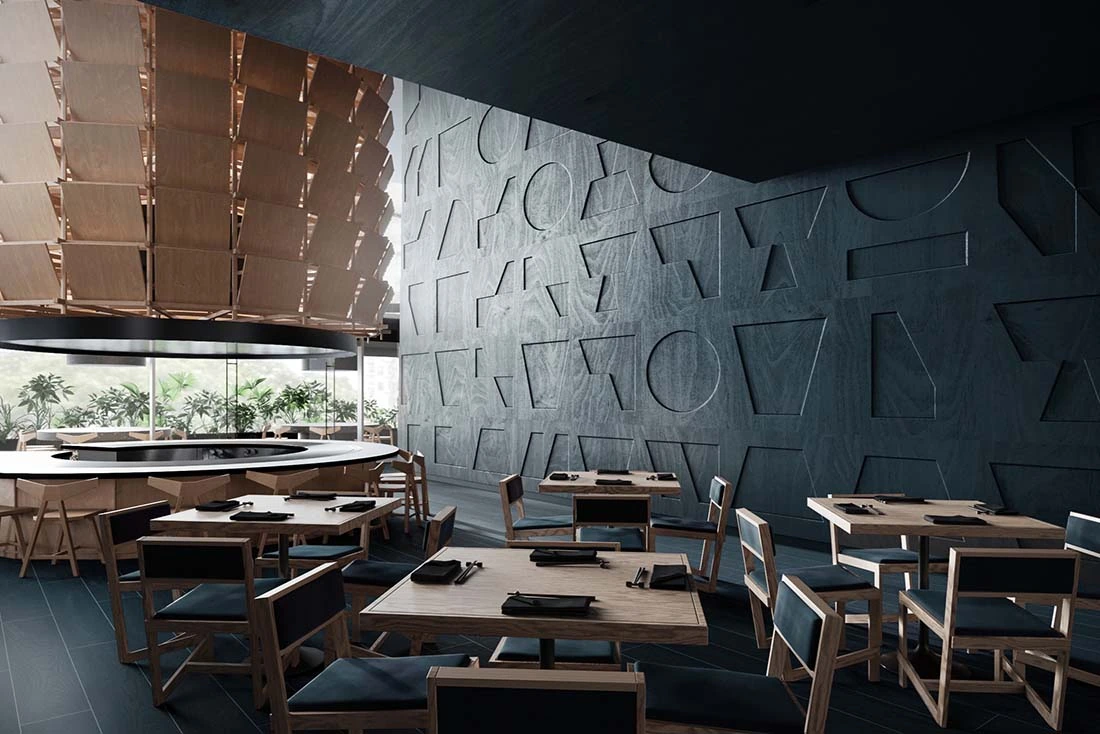
When reviewing an image, ask practical questions. Does the light explain the room’s depth? Can the viewer distinguish timber from stone? Is the brightest area helping the composition, or pulling attention away from the design? These questions turn rendering into a visual decision-making process.
The VizAcademy software overview describes 3ds Max, Corona and V-Ray, together with Photoshop and additional tools. The value of an online rendering course lies in understanding how the tools contribute to a coherent result and choosing the appropriate workflow for the project.
Bring AI into a workflow you understand
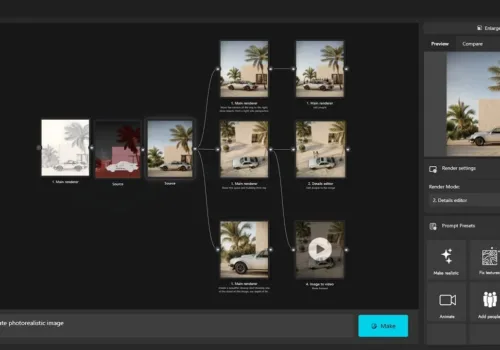
The programme introduces AI tools for architectural visualisation, including VizMaker. The listed applications range from image revisions and generated scene details to animation, image-to-3D work and upscaling. The VizMaker guide for architects provides a closer look at the application.
A useful learning exercise is to compare an AI result with a source image you understand. If the atmosphere improves but a window changes shape, you need to recognise both outcomes. Knowledge of the scene gives you a basis for deciding which changes serve the design and which need correction.
For example, an interior presentation might explore a warmer finish or a different time of day. Treat the output as a visual option to review, then carry the selected decision into the appropriate modelling or image-editing stage. That keeps the design brief at the centre of the process.
Develop an exterior and a moving presentation
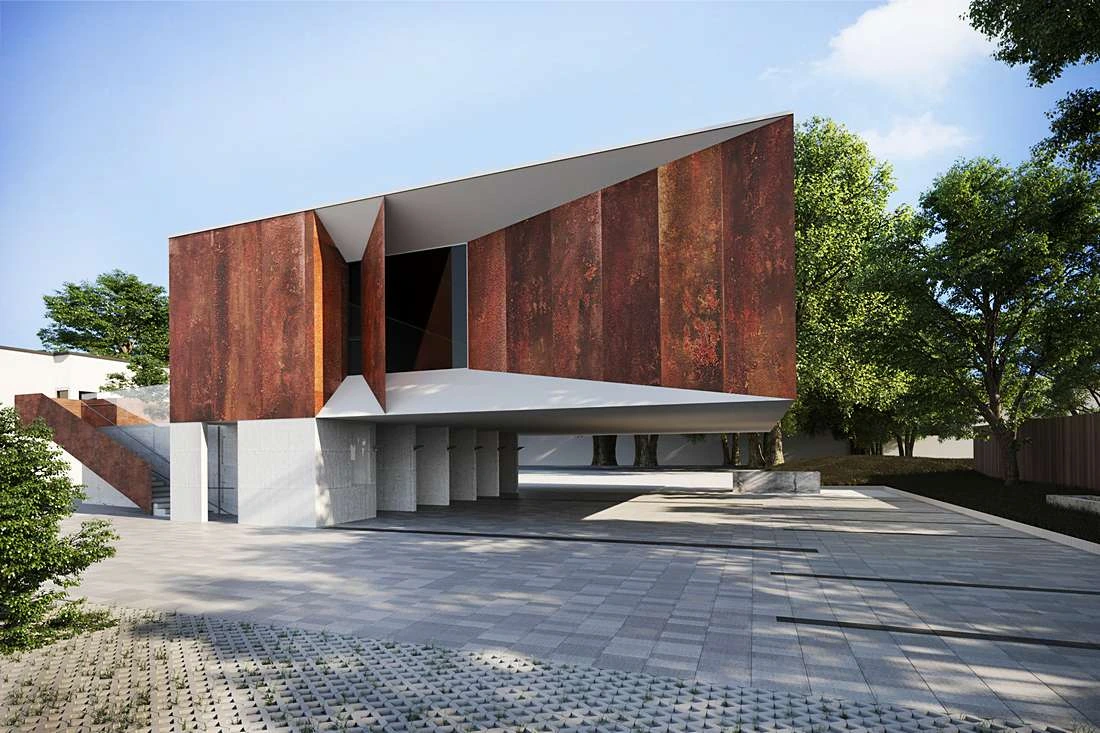
An exterior introduces a wider set of relationships: the building, its ground plane, vegetation, sky and surroundings. The challenge is to make them read as one place. A beautiful material close-up will not compensate for a camera that makes the building’s entrance difficult to understand.
Animation adds another question: what should the viewer discover over time? A short approach to an entrance, a reveal of an interior or a move towards a material detail can each tell a different story. Editing then gives the sequence its pace. Think about the purpose of each shot before adding more of them.
Panoramas and virtual tours offer another presentation format. They can be useful when the audience needs to look around a space, while a carefully composed still can focus attention on a specific design decision. The format should follow the communication task.
Use feedback to turn exercises into portfolio work
VizAcademy’s training approach combines live conferences, recorded guidance, individual help and review of practical work. For a learner, the useful habit is to arrive at feedback with a clear question: what is not working, what have you already tried and which part of the image matters most?
Keep versions of important changes. Comparing an earlier composition with a refined one helps you understand the reason for a correction. Over time, those comparisons can become a record of your own judgement, rather than a collection of settings copied from someone else.
When selecting an architectural visualisation portfolio, choose work that shows decisions you can explain. An overview, a detail and a well-chosen exterior may communicate more than many similar images. View the published student portfolio for examples of individual projects and different visual approaches.
Choose the learning format that fits your circumstances
The seven-week sequence described here is the PRO programme. If you are comparing guided study with independent learning, read our VizAcademy PRO and LITE comparison. It explains how support and included resources differ between the two formats.
Frequently asked questions
How long is the VizAcademy PRO ArchViz course?
The published PRO programme runs for seven weeks and combines practical project work with tutor-supported online learning.
Do I need previous 3ds Max experience?
VizAcademy describes the course as suitable for learners starting without previous 3D rendering experience, as well as people developing existing skills.
Does the programme include AI and animation?
Yes. The current programme includes AI tools and VizMaker, alongside animation, video editing and image finishing.
Where can I see examples of student work?
Visit the VizAcademy student portfolio to view attributed interior and exterior projects, including clay and finished views. These are examples of individual work rather than a guaranteed result for every learner.
Build your architectural visualisation skills
Explore the full programme, meet the tutors and choose the learning format that fits your next step.
Explore the Training ProgrammeExplore the AI tools in VizMaker
Discover the app used in the programme for AI image work, upscaling, animation and 3D creation.
↓ Download VizMakerInformation reviewed: 29 October 2026. Based on the official training programme, tutor and learning-cycle description, software overview and PRO and LITE offer. Refer to those pages for the current curriculum and inclusions. Cover image: student work by Brina Gluvič, from the VizAcademy student portfolio.
From 3D Viewport to Client Presentation: An AI ArchViz Workflow
Build an AI ArchViz presentation in VizMaker: render viewport views, enhance details, edit furniture, match a reference mood and create animated shots.
VizMaker: AI Rendering and Image Editing for Architects
Turn sketches and 3D views into architectural visualisations, guide edits with annotations, upscale details and create animations. Explore VizMaker through Wojciech Jurkowski's practical video demonstration.

It is well-known that colors, shades and patterns carry a certain emotional charge and a hidden message. We don't even need to have special knowledge on the subject to intuitively feel that some colors evoke warm, positive associations in us, inspire our confidence, they have a calming effect and put us in an optimistic mood, while others, on the contrary, make us feel overwhelmed or even depressed.