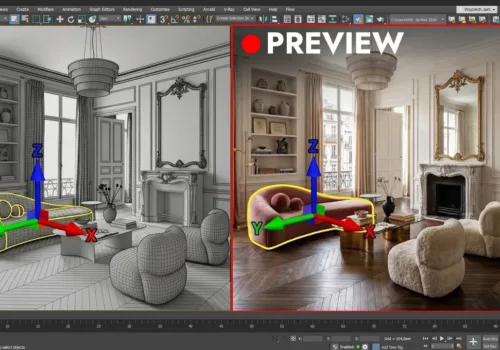
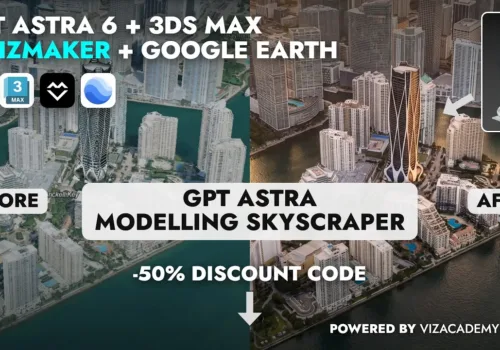
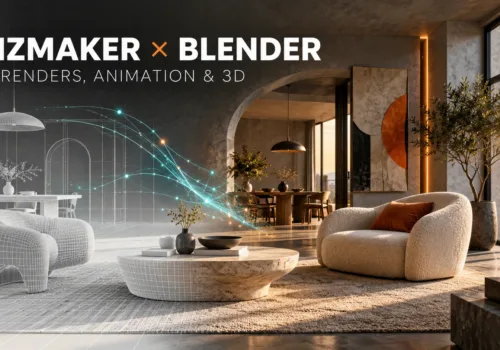
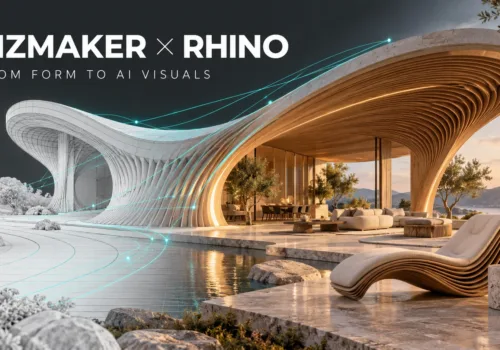
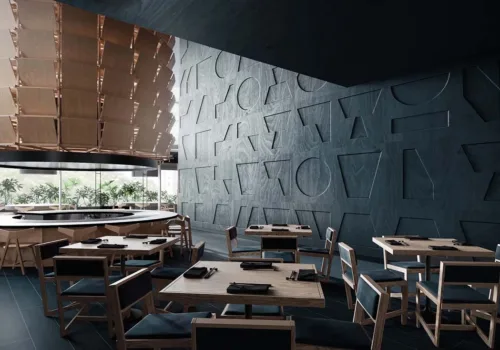
3D visualizations have revolutionized the construction and architecture industry. Nowadays, 3D visualizations are widely used by many architects and developers as a way of promotion and advertising. It is a great help for the client to see the photorealistic picture. Even having the ability to read plans and technical projections, the possibility of seeing the finished project in a realistic form greatly simplifies space planning.
What is 3D architectural visualization?
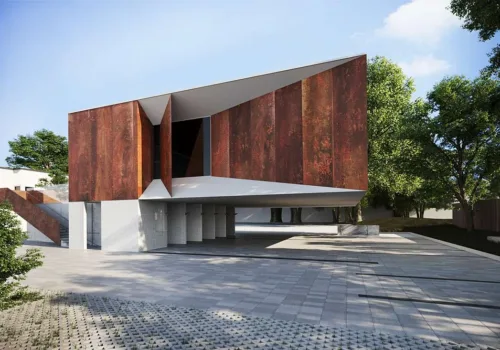
3D visualization is not only an image in three dimensions, but its photorealistic representation of the texture, materials, lighting, and the atmosphere of the project. Interior and exterior visualizations are commonly used. They can be complex projects consisting of many elements, such as a building with its surroundings, plot development, etc., or simple, 3D models showing only a model of the building or its elements.
In architectural 3D visualizations, 3D graphics gives practically unlimited possibilities of presenting the planned investment. The visualization can be changed on an ongoing basis, so you can see live changes and its effects in the project.
Another great advantage is the ability to create realistic visualizations of space for various needs without the need to implement the project. In this way, many companies create catalogs and offers, saving a large amount of work that previously had to be put into the implementation of similar projects.
Benefits of 3D architectural visualization
Thanks to this modern technology, it is easy to present the most daring concepts and solutions that, without this technique, are difficult or even impossible to imagine. A correctly made 3D architectural visualization allows presenting each solution in detail. Realistic materials and textures with professionally selected lighting allows creating visualizations that also reflect the mood and atmosphere of the planned project.
3D visualizations give the possibility for optimization and presentation of design changes without the need for implementation. It is also a tool supporting communication between the client and the architect – the architect can constantly change and update the design, present various architectural solutions important during the implementation or at the design stage. Thanks to this, both parties can be clear that they are talking about the same idea and their imaginations are in line with reality.