Seedance 2.5 in VizMaker: Architectural Animation and Construction Timelapses
Turn renders into architectural animations with Seedance 2.5 in VizMaker: people, exterior camera moves, day-to-night scenes and construction timelapses.
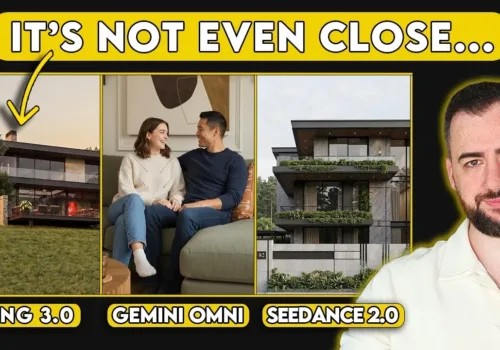
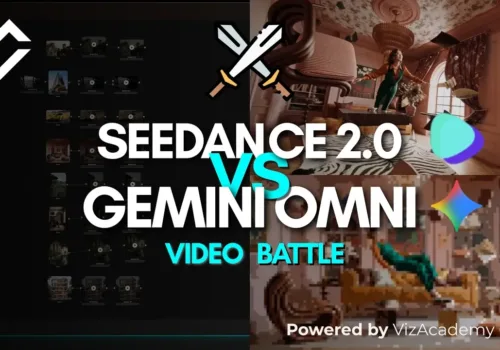
Compare Google Omni, Seedance 2.0 and Kling 3.0 in VizMaker through five architectural video examples: camera motion, people, mood changes and consistency.
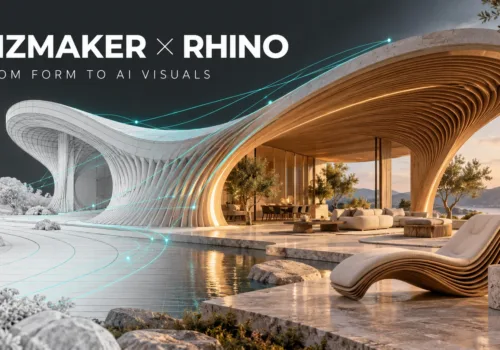
Develop Rhino views into AI architectural and product visuals with VizMaker. Explore materials, animate concepts, upscale images and generate 3D mesh assets.
Explore six AI video comparisons in VizMaker, covering camera motion, dialogue, materials and physics, with practical lessons for design presentations.
Add VizMaker to Unreal Engine for AI architectural look development, image-based animation, upscaling and 3D asset concepts alongside your real-time scene.
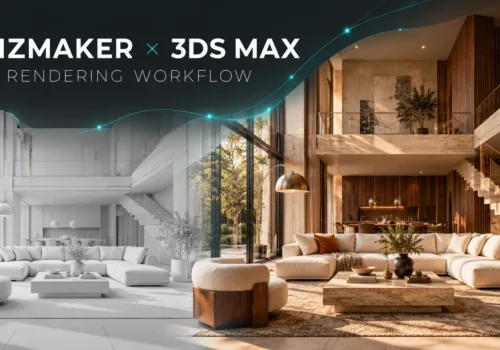
Explore VizMaker for 3ds Max: send viewports, batch-render camera views, edit interiors, upscale images, create AI animation and generate furniture models.
Computer graphics and various types of 3D visualisations, photographs and animations make use of all sorts of advanced software, applications and tools that enable people to work on their own projects much more easily and pleasantly.
Photorealistic 3D rendering is used in many professional disciplines – design and architecture among them. 3D renderings are an excellent way to communicate the intended structure and operation of a scenario, building or machine online quickly.
VizAcademy answers your questions: "How do I make my 3ds files smaller? 3d Max rendering files can get big quickly. Smaller render files are obviously easier and quicker to process and share. So how do you keep 3ds files small?